
AI Photo Restoration - Restore Old & Damaged Photos Online
Bring old memories back to life with DailyGPT AI Photo Restoration. Restore faded, scratched, blurry, or damaged photos using AI and create clearer, more vibrant images without complicated editing.
Photo restoration: Restore Old Photos with AI
Restore Old Photos online with our free, 100% automatic AI photo restoration tool in seconds. Enhance your photo resolution quickly with AI to relive your favorite memories.
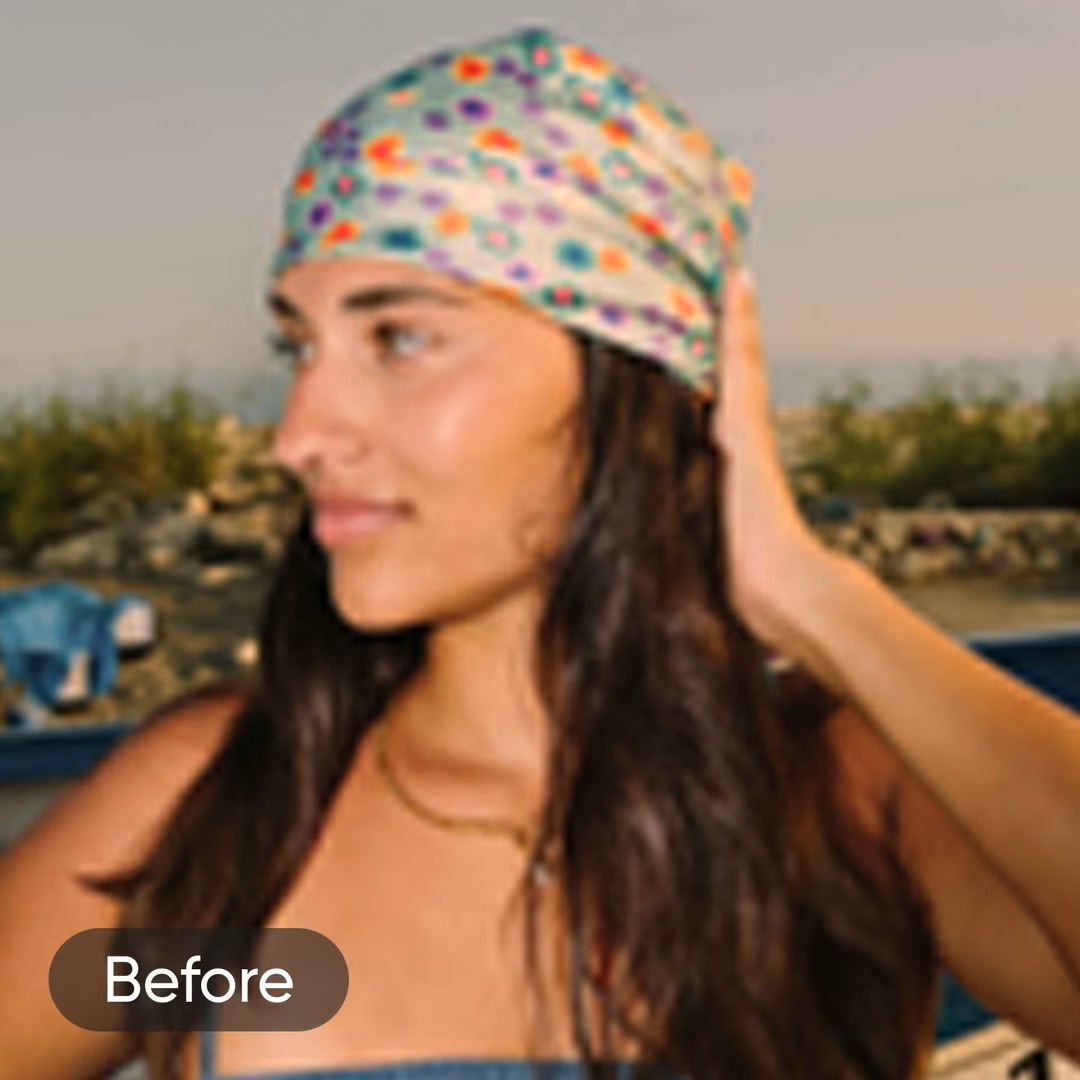
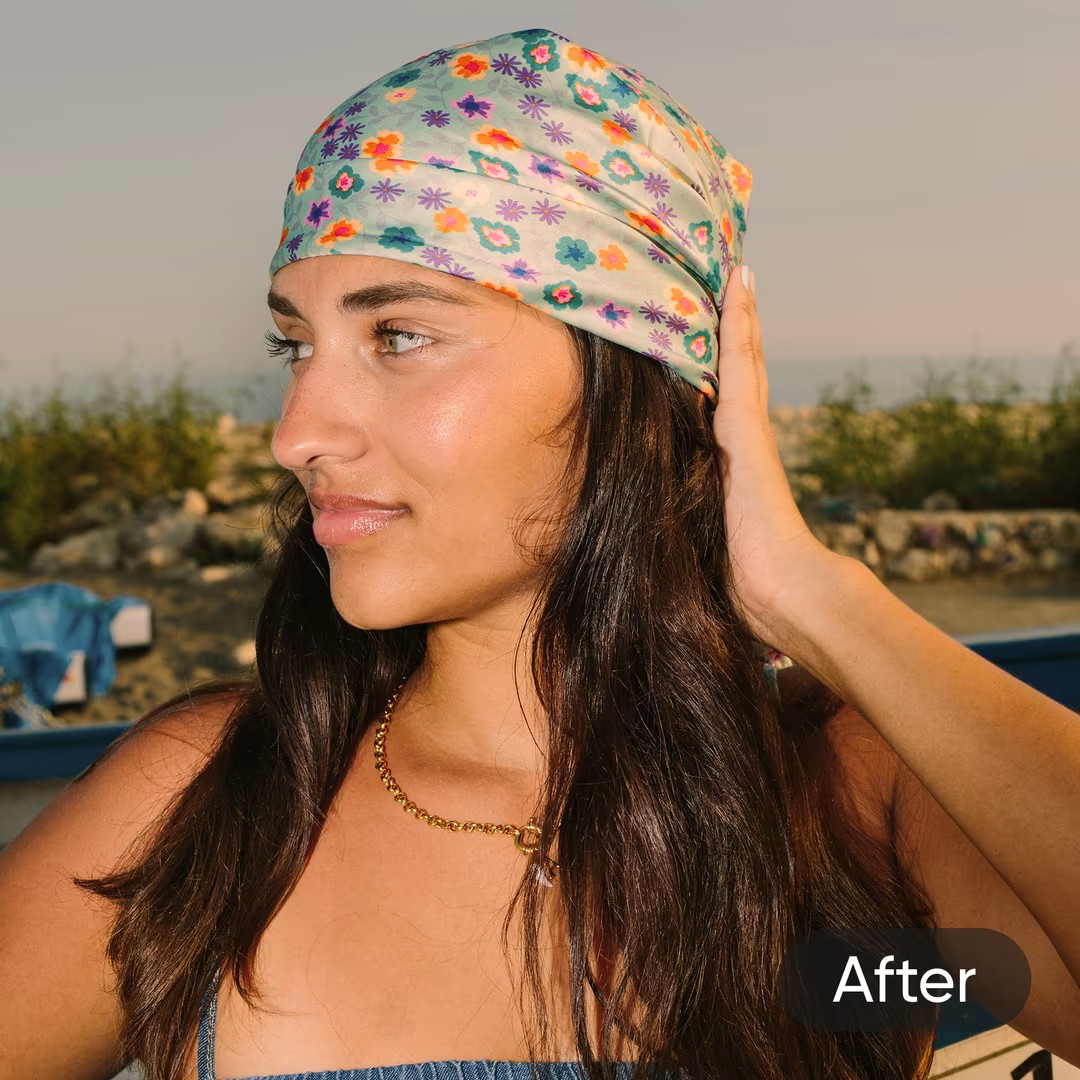
 Before
 After
After
Restore photos
Drop, paste or add a URL
By uploading a file, you agree to SmartTools Terms of Use and Privacy Policy.
This tool runs an AI mock process for demonstration purposes.
Restoring your photo...
Our AI is enhancing resolution and recovering details.
Your restored photo
Original
Restored HD
Rate This Tool
Your feedback helps others discover great tools
Tap a star to rate
AI Photo Restoration - Give Old Memories a New Life
Photographs often preserve moments that cannot be recreated. Family portraits, childhood memories, wedding albums, graduation pictures, and historical photographs become more valuable as time passes. Unfortunately, many older photos fade, develop scratches, lose detail, or become damaged through years of handling and storage.
DailyGPT AI Photo Restoration helps improve the appearance of old and damaged photographs using artificial intelligence. Simply upload your image, and the AI works to repair common signs of aging while improving clarity, color, and overall quality.
Instead of spending hours using professional photo editing software, you can restore treasured memories directly from your browser.
Restore More Than Just Colors
Old photographs often suffer from several problems at the same time. A picture may have faded colors, visible scratches, dust marks, poor contrast, or blur caused by age or scanning.
DailyGPT AI Photo Restoration is designed to improve multiple issues in a single process. Depending on the condition of your image, AI may help:
- Reduce scratches and minor damage
- Improve faded colors & Enhance image clarity
- Restore lost contrast & Reduce visible noise
- Improve facial details
- Make old photos appear cleaner
Every photograph is different, so restoration results depend on the quality and condition of the original image.
Improve Scanned Photographs
Many people scan printed photographs to create digital archives. However, scanned images may still contain dust, faded colors, uneven lighting, or small imperfections.
DailyGPT helps improve scanned images before you:
- Print new copies & Share them with family
- Upload them to cloud storage
- Create digital albums
- Use them in family history projects
A cleaner digital version is often easier to preserve than an aging paper photograph.
A Simple Restoration Process
Restoring an old photo doesn't require advanced editing knowledge. With DailyGPT, the process is straightforward:
- Upload your old or damaged photo.
- Allow the AI to analyze the image.
- Preview the restored version.
- Download the improved photo.
The entire process is designed to save time while making restoration accessible to everyone.
Browser-Based Restoration
DailyGPT AI Photo Restoration works online, so you don't need to install complicated restoration software. You can restore photos using:
- Windows & macOS
- Linux
- Android, iPhone & Tablets
As long as you have a modern web browser, your restoration project can begin in just a few clicks.
Preserve Family History
Old photographs are often the only visual connection to previous generations. Instead of leaving them hidden in albums or damaged by time, restoring them allows families to preserve important memories for future generations.
The tool is useful for restoring:
- Childhood photographs & Wedding pictures
- Family portraits & Grandparents' photos
- School memories & Festival celebrations
- Historical family albums
Digital restoration also makes it easier to create backup copies that can be safely stored for years to come.
For Black & White and Color
Whether your photograph is black and white or in color, AI restoration can help improve its appearance.
For black and white images, the focus is on improving clarity, contrast, and detail.
For color photographs, AI may also help recover faded colors and improve the overall visual balance while keeping the image natural.
Useful Beyond Family Photos
Although family photographs are the most common use, restoration can also be helpful for many other types of images. For example:
- Historical documents & Newspaper clippings
- Old certificates & Vintage advertisements
- Printed artwork & Archive photographs
Cleaning these images can make them easier to read, preserve, and share.
Why Choose DailyGPT?
DailyGPT develops practical online tools that help users solve everyday problems without unnecessary complexity. The AI Photo Restoration tool is built for anyone who wants to improve old photographs quickly while maintaining a natural appearance.
Whether you're preserving family history, restoring treasured memories, or improving archived photographs, DailyGPT offers an easy way to bring older images back into better condition.
Final Thoughts
Old photographs tell stories that deserve to be preserved. Time may leave marks such as fading, scratches, and reduced clarity, but modern AI can often help improve their appearance.
DailyGPT AI Photo Restoration makes it simple to restore old and damaged photos directly from your browser. Upload your image, let AI perform the restoration, and download a cleaner version ready for sharing, printing, or archiving.
Whether you're protecting family memories or restoring historical photographs, DailyGPT provides an easy and accessible way to preserve images for years to come.
Frequently Asked Questions (FAQ)
What is AI Photo Restoration?
AI Photo Restoration uses artificial intelligence to improve old, faded, scratched, or damaged photographs by enhancing their overall appearance.
Can I restore old family photos?
Yes. The tool is designed to improve old family photographs, portraits, and printed memories.
Does it remove scratches and faded areas?
AI can reduce the appearance of minor scratches, fading, dust, and other common signs of aging, depending on the original image.
Can I restore scanned photos?
Yes. Scanned photographs can often be improved before printing or storing digitally.
Will the original photo be changed?
No. Your original image remains unchanged, and the restored version is generated separately.
Do I need photo editing experience?
No. Simply upload your image, and DailyGPT AI Photo Restoration handles the restoration process automatically.
Can I use it on mobile devices?
Yes. The tool works in modern browsers on Android, iPhone, tablets, and desktop computers.
Similar Tools
ID Card Auto Cropper
ID Card Auto Cropper by DailyGPT is a free online tool that automatically detects and crops ID card front and back pages from PDF files. Upload your PDF and quickly get cropped card images without manually using Photoshop or other editing software.
Photo Editor
Edit photos online with DailyGPT using AI background removal, erase & restore tools, image adjustments, filters, text, frames, stickers, drawing tools, and professional editing features—all directly in your browser.
Remove Background
Remove backgrounds from images automatically with DailyGPT. Use Remove BG, manually erase or restore edges, and replace transparent backgrounds with solid colors or ready-made designs in seconds.
ID Card Maker
Create and customize professional ID cards online with ready-made templates, editable text, photos, QR codes, barcodes, and front-and-back designs. Make employee, school, medical, visitor, volunteer, and other ID cards quickly and download them in high quality for printing.
Image to Passport Size
Generate passport size photos from your images with DailyGPT. Upload one or multiple photos, choose photo dimensions, adjust margins and gaps, and create a ready-to-print A4 passport photo sheet easily.
Image Format Converter
Convert your images into the format you need with DailyGPT Image Format Converter. Change PNG, JPG, WEBP, GIF, and BMP files easily, resize images, and prepare them for websites, social media, and everyday use directly from your browser.
Image compressor
Reduce image file size quickly with DailyGPT Image Compressor. Compress JPG and WebP images, adjust compression quality, and create smaller files that are easier to upload, share, and use on websites.
Crop image online
Crop your images online with DailyGPT. Choose custom dimensions or popular aspect ratios like 1:1, 16:9, 4:3, and 2:3 to prepare photos for websites, social media, profiles, and other digital uses.
Have an idea to improve this tool?
Your suggestions help us build exactly what you need. Let us know what's missing!
Most Used Tools
ID Card Auto Cropper
ID Card Auto Cropper by DailyGPT is a free online tool that automatically detects and crops ID card front and back pages from PDF files. Upload your PDF and quickly get cropped card images without manually using Photoshop or other editing software.
PDF Merger
Merge, combine, and join multiple PDF files into one document online. Rearrange files, preserve quality, and download your merged PDF in seconds.
Meesho Label Cropper
Free online Meesho Label Cropper that automatically converts Meesho shipping label PDFs into optimized A4 print layouts. Supports 10-in-1, 15-in-1, 6-in-1 with Tax Invoice, and 8-in-1 with Tax Invoice formats.
PDF Background Remover
Clean scanned PDF documents with DailyGPT. Remove backgrounds, crop pages, manually retouch documents, convert scans to black & white, remove unwanted objects using AI, and fit pages perfectly to A4 for printing.
Remove Background
Remove backgrounds from images automatically with DailyGPT. Use Remove BG, manually erase or restore edges, and replace transparent backgrounds with solid colors or ready-made designs in seconds.
A4 Front & Back Print Layout Generator
Create a ready-to-print A4 layout by placing front and back images on one page. DailyGPT Front & Back Print Layout Generator helps xerox shops, print operators, and users arrange Aadhaar cards, PAN cards, and other ID documents easily for printing.
Image to Passport Size
Generate passport size photos from your images with DailyGPT. Upload one or multiple photos, choose photo dimensions, adjust margins and gaps, and create a ready-to-print A4 passport photo sheet easily.
PDF to JPG
Convert each PDF page into a JPG or Convert PDF pages to high-quality JPG images with DailyGPT. Convert every page to JPG or extract images from PDF instantly using our free, browser-based PDF to JPG converter.extract all images contained in a PDF.
PDF Compressor
Compress PDF files online for free with DailyGPT. Reduce PDF size, optimize documents, and download smaller PDF files in seconds without installing any software.
ID Card Maker
Create and customize professional ID cards online with ready-made templates, editable text, photos, QR codes, barcodes, and front-and-back designs. Make employee, school, medical, visitor, volunteer, and other ID cards quickly and download them in high quality for printing.